
安装 proot-distro 并在其中运行 opencode
🔹 背景
Termux 使用 bionic libc,而 opencode 依赖 Bun 运行时 + 大量 glibc 编译的 native addon,无法直接在 Termux 中运行。
方案:通过 proot-distro 安装 Debian 发行版,在 proot 容器中运行 opencode,并 bind mount Termux 目录实现文件互通。
🔹 安装 proot-distro
bash
pkg update && pkg upgrade
pkg install proot-distro
🔹 安装 Debian 发行版
bash
proot-distro install debian🔹 登录 Debian
bash
proot-distro login debian🔹 登录 Debian 并 bind mount Termux 目录
如果需要在 proot 容器中访问 Termux 的文件:
bash
proot-distro login debian --bind /data/data/com.termux/files/home:/mnt/termux进入后 Termux 主目录的文件在 /mnt/termux 下:
bash
cd /mnt/termux🔹 Debian 换源
进入 Debian 后,推荐更换为国内镜像源以加速软件包下载。
USTC(中科大)
bash
sed -i 's/deb.debian.org/mirrors.ustc.edu.cn/g' /etc/apt/sources.list.d/debian.sourcesTUNA(清华)
编辑 /etc/apt/sources.list.d/debian.sources,替换为以下内容:
yaml
Types: deb
URIs: https://mirrors.tuna.tsinghua.edu.cn/debian
Suites: trixie trixie-updates trixie-backports
Components: main contrib non-free non-free-firmware
Signed-By: /usr/share/keyrings/debian-archive-keyring.gpg

Types: deb
URIs: https://security.debian.org/debian-security
Suites: trixie-security
Components: main contrib non-free non-free-firmware
Signed-By: /usr/share/keyrings/debian-archive-keyring.gpg
当前 Debian 13 (trixie) 及 Debian 12 (bookworm) 已使用 DEB822 格式,路径为
/etc/apt/sources.list.d/debian.sources。
如果使用传统格式,编辑/etc/apt/sources.list即可。
换源后更新软件包索引:
bash
apt update安装 fastfetch
bash
apt install fastfetch -y
fastfetch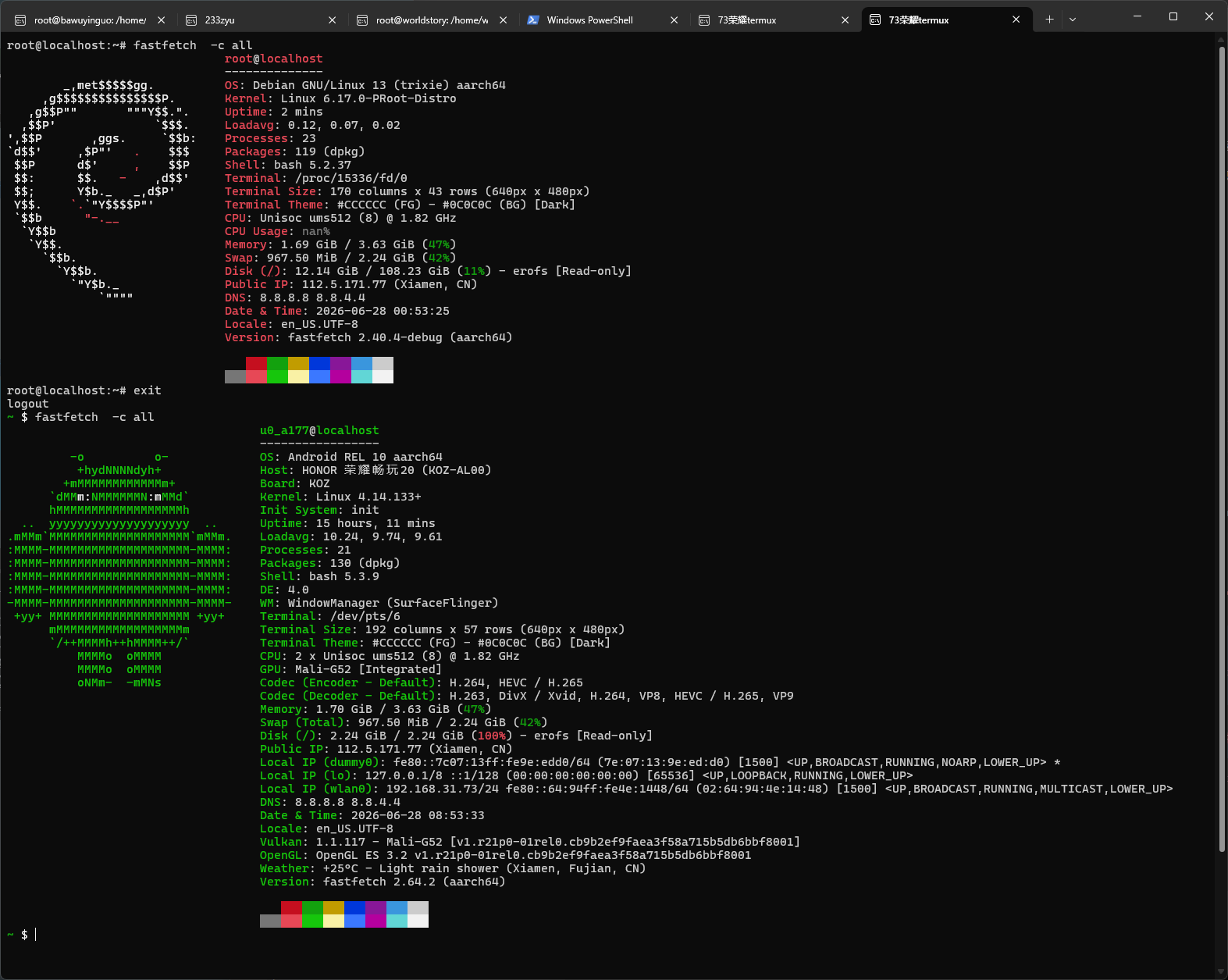
🔹 在 Debian 中安装 opencode
安装 Bun
bash
apt update && apt install curl unzip -y
# 使用bash环境变量设置代理(可选)
export HTTP_PROXY=http://192.168.31.233:7890
export HTTPS_PROXY=http://192.168.31.233:7890
export http_proxy=http://192.168.31.233:7890
export https_proxy=http://192.168.31.233:7890
curl -fsSL https://bun.sh/install | bash
source ~/.bashrc
bun --version
安装 opencode
bash
npm install -g opencode-ai验证
bash
opencode -v